
From copied wallet to live execution in a few steps.
You choose the trader, fund the wallet you want trading for you, and keep the bankroll rules under your control.
Two wallets, one direction
How the wallets connect.
This catches most new users: a copy-trading bot involves two different wallets. The copied wallet is someone else's, and you only watch it. Your trading wallet is yours: you fund it, and the bot places trades from it.
Someone else's
Copied wallet
Public Polymarket trader
You paste this 0x address. Read-only. We never trade from it.
Watch
Hosted by LatchTrade
Your bot
Runs 24/7 with your rules
The bot sees a fill on the copied wallet, then sizes your trade.
Trade
Yours
Your trading wallet
Polymarket wallet you fund
Your money stays here. Only the bot will make trades here.
Latency decides your fill.
When your trader moves, prices move too. A faster bot gets closer to their entry price; a slower one pays more slippage. Pick a tier that matches how fast their markets tend to move.
Basic · <5 s
Steady markets
Elections, season outcomes, long-horizon resolutions. Prices shift slowly, so a 5-second lag costs very little.
Pro · <1 s
Live events
In-game sports, breaking news, fast-changing prices. The balance point for near-top fills without paying for the fastest tier.
Ultra · <100 ms
Multi-trade bursts
Traders who fire several orders in a second. Anything slower misses the entries entirely because the trader has already moved on.
One copied wallet. One ruleset.
The operational flow is simple on purpose: one copied wallet, one trading wallet, one ruleset per bot.
- 01
Pick a speed tier
Choose Basic, Pro, or Ultra based on how quickly you want the bot reacting once the copied wallet moves.
Speed tier
Basic
<5 s
Pro
<1 s
Ultra
<100 ms
- 02
Choose the wallet to copy
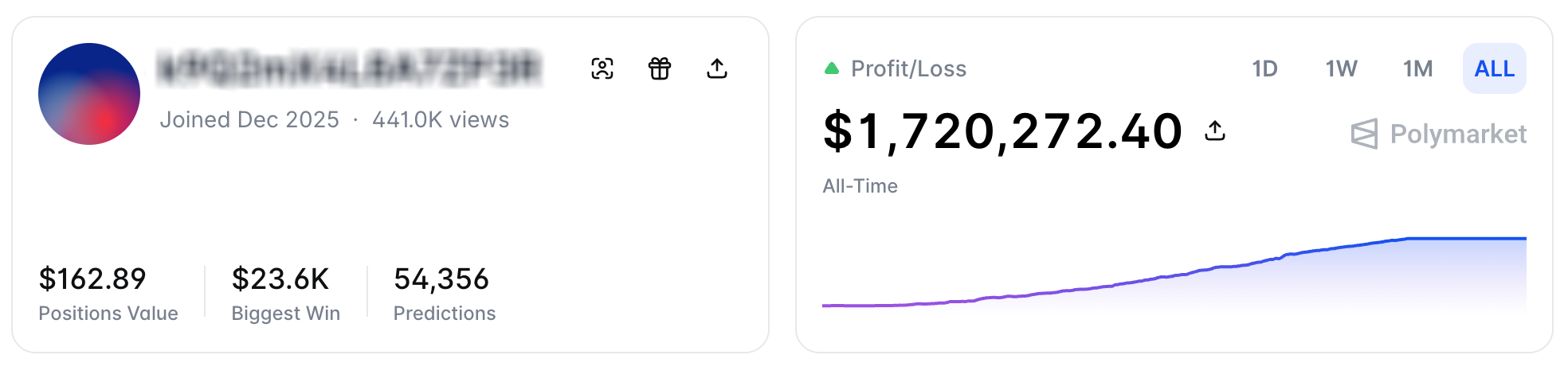
Open the trader's Polymarket profile, hover the user icon until it says `Copy address`, and paste that address into your bot.
Wallet to copy
0x8C80d213c0cB…02C3ValidExample address. Paste the one from the trader's Polymarket profile.
- 03
Connect your trading wallet
Use an email-based Polymarket account, sign into Magic with the same Polymarket login, and connect your account.
- 04
Set bankroll rules
Choose fixed USD or percent sizing, cap the max amount per position, and add a price buffer or advanced filters if you want tighter control.
Copy mode
% of trader size
Copy percent
25%
Max per trade
$500
Price buffer
50 bps
- 05
Watch it run
Once the bot is live, the dashboard shows status, the latest trade attempts, and failure reasons like insufficient funds or rejected orders.
Running2m agoFilledYES · NBA Finals · $1400.3sFilledNO · Election · $750.9sRejectedSlippage guard · $500.1s
Before you go live.
Use a dedicated trading wallet. Funds remain in that wallet until trades settle through Polymarket contracts.
Magic is the wallet technology Polymarket uses for email login, which is why the key reveal happens on Magic's Polymarket page.
MetaMask setup is coming soon. Right now the recommended path is an email / Magic Polymarket account.
Glossary
Copied wallet
(a.k.a. trader wallet, public wallet)
A Polymarket trader whose trades you want to mirror. Public: you paste its 0x… address into the bot. You do NOT touch their funds.
Trader profile
The public Polymarket page for a copied wallet (e.g., polymarket.com/@handle). This is where you copy the 0x address from.
Your trading wallet
(a.k.a. your Polymarket wallet, your funded wallet)
The Polymarket wallet you fund and that LatchTrade trades FROM. Created via email + Magic sign-in on Polymarket. Your money lives here.
Private key
The credential that authorizes trades from your trading wallet. You paste it once during setup. It is encrypted immediately and only used inside your bot runtime.
Bot
The hosted process that watches the copied wallet and places mirror trades from your trading wallet, following the bankroll rules you set.
Bankroll rules
Your copy size (fixed $ or % of trader), max per trade, and price buffer. Kept separate per bot.